A mastering app and three plugins that work as one, so your music comes out with the loudness, clarity and punch of a commercial release. You choose the character; EPeak makes sure it translates everywhere.
App + 3 VST3 plugins100% local processingWAV · FLAC · AIFF · MP3From −14 to −5 LUFSTrue peak verified on every fileMaster, CD and vinyl in one renderNever overwrites your mixPerpetual licenseApp + 3 VST3 plugins100% local processingWAV · FLAC · AIFF · MP3From −14 to −5 LUFSTrue peak verified on every fileMaster, CD and vinyl in one renderNever overwrites your mixPerpetual license
The last step
Your mix is done. Now comes the part that decides how it’s heard.
01Huge in your studio, small on the playlist.Every platform adjusts loudness its own way. If your master isn’t ready for it, it gets turned down, squashed or sounds dull next to everything else.
02You push the level and distortion shows up.Peaks your DAW doesn’t show become audible when the file is converted for streaming. And comparing a louder master with your mix always fools you.
03Every destination wants a different file.Sample rate, bit depth, ceiling and loudness change between streaming, club, CD and vinyl. Exporting by hand is where mistakes slip in.
EPeak handles the last step with an engineer’s judgment: it measures, fixes just enough and checks every file before giving you the OK.EPeakhandlesthelaststepwithanengineer’sjudgment:itmeasures,fixesjustenoughandcheckseveryfilebeforegivingyoutheOK.
The suite
The professional EPeak ecosystem
Master from start to finish in the app, or take the same sound into your DAW with the plugins. Same judgment, same result, wherever you work.
Desktop app
EPeak
Drop in your mix and get a commercial master, with every version your distributor, CD plant and vinyl cutter will ask for. Restoration, your plugin rack and your analog gear included.
IF YOU’RE STARTING OUTA competitive master without studying engineering.
→Destination presets with the right loudness and ceiling for each use.
→A genre curve that only fixes what falls outside the norm.
→A warning if you ask for more loudness than your mix can take, with a healthy value suggested.
→Your original mix stays untouched. You can always start over.
IF YOU ALREADY MASTERA fast engine that measures what you would.
→Glue, saturation, density, width, mono low end and soft clipping by hand.
→Compare mix, master and reference at the same perceived loudness.
→Tonal matching against your own reference.
→Your VST3 plugins and analog gear inside the chain, with the delay compensated.
Tonal balance
Measure before you touch.
Your mix is compared with the curve you choose. If it’s already within range, EPeak leaves it alone.
01
CrystalNo tonal EQ: just loudness, dynamics and ceiling.
02
ReferenceThe balance of that track you love the sound of.
03
GenreThe balance of commercial productions in your style. It only fixes what falls outside the range, without inflating sub or air.
Genre · range and median20 Hz – 20 kHz
Illustration: the band marks the genre’s usual range and the line its median. Your mix is only corrected where it leaves the band.
The audio engine
Two characters. The same care.
PRO, modern and punchy; or Classic, more open and natural. Both measure before acting, respect your loudness target and deliver every format with its own ceiling.
Pick a chain and explore what each one takes care of
01 ANALYSIS
02 TONAL CURVE
03 STEREO IMAGE
04 MULTIBAND DYNAMICS
05 GLUE
06 COLOR
07 DENSITY
08 LOUDNESS AND CEILING
09 DELIVERY
8 active stages
Loudness and ceilingVerified true peak
Hits your loudness target without falling short or overshooting, and keeps true peaks under the ceiling, including after MP3 or streaming conversion.
Four skins · one engine
An interface for every way of working.
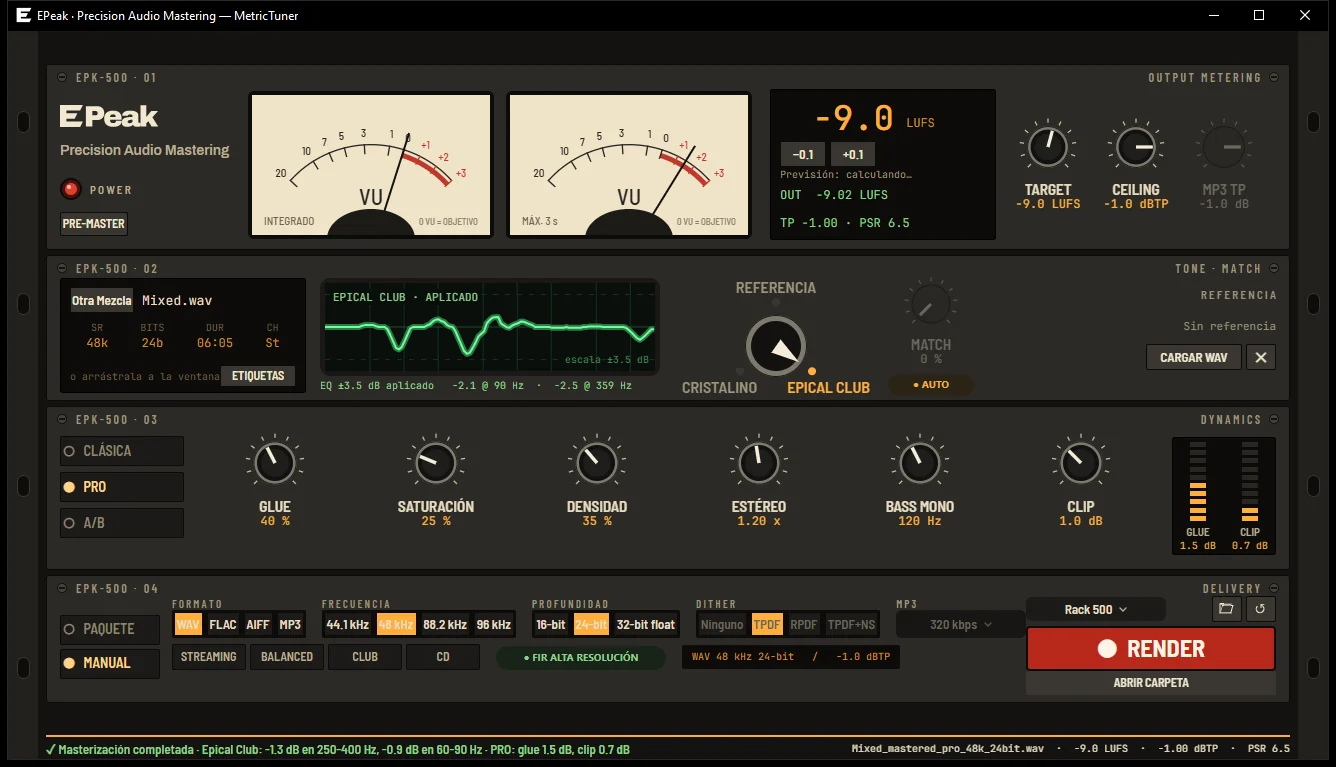
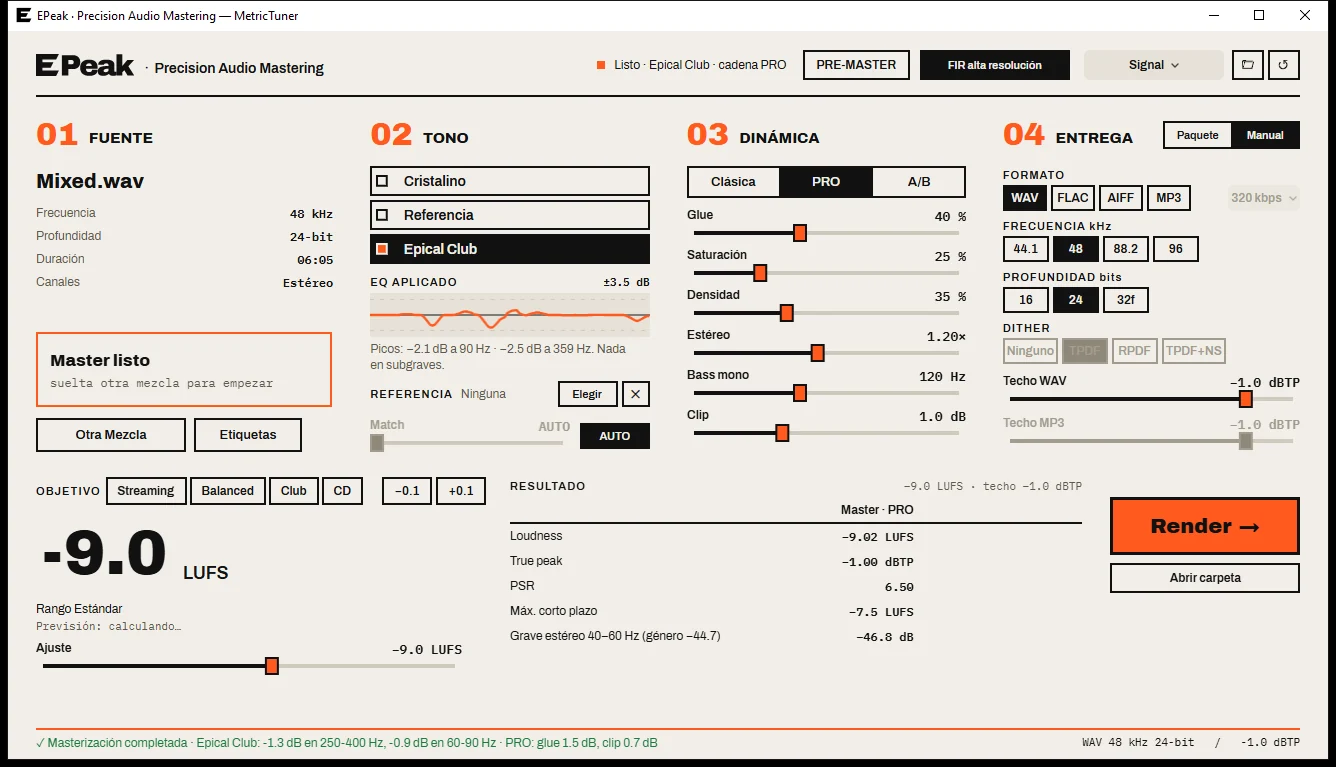
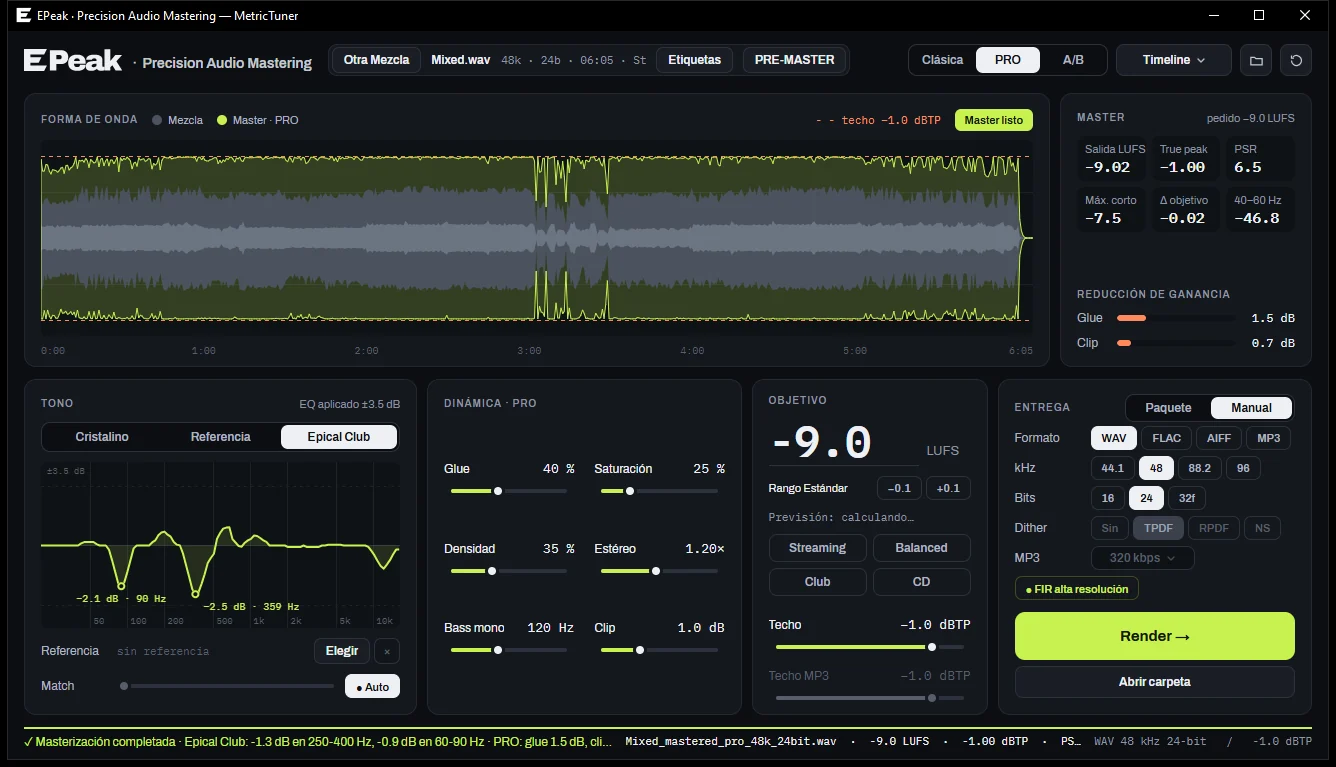
Switch skins whenever you like: your mix and your result stay right where they were. None of them shows a number the engine hasn’t measured.
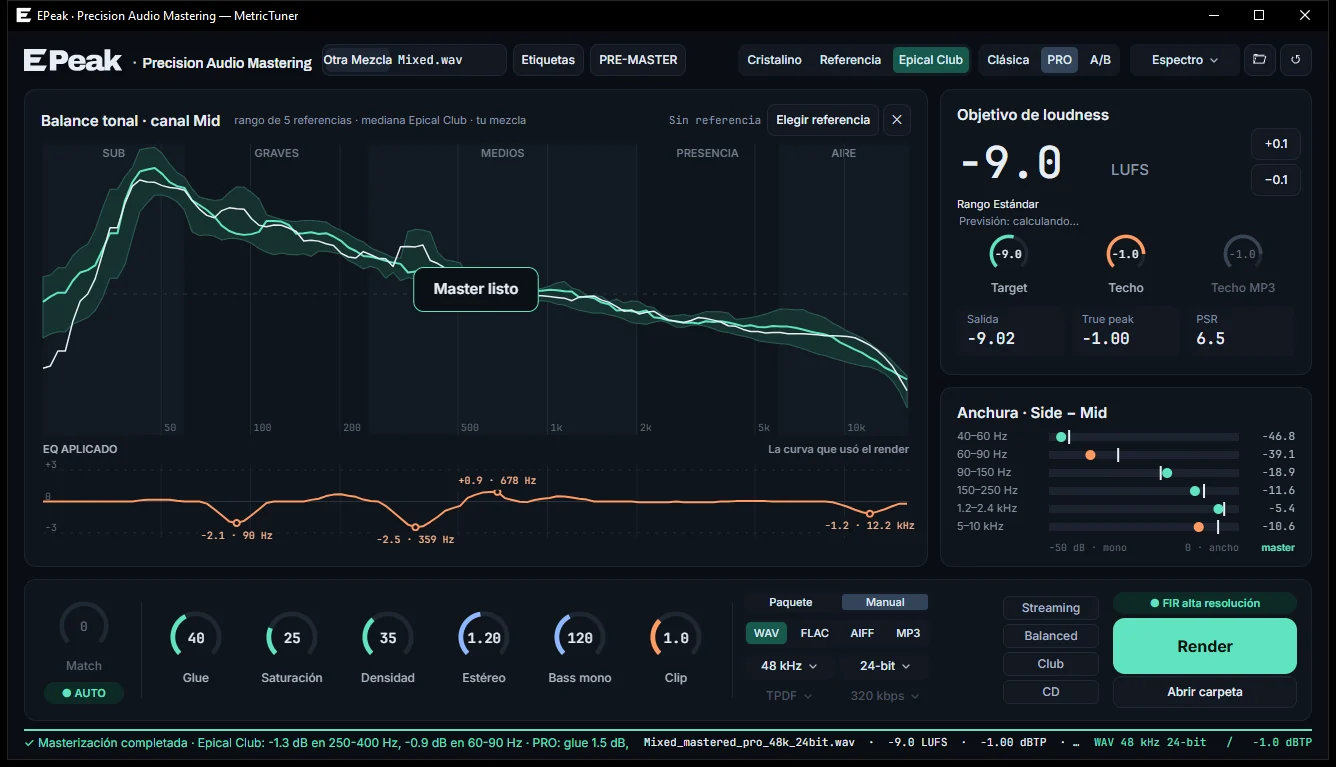
VISUALEspectroDecide with the curve in front of you: tonal balance, applied EQ and per-band stereo width.
Everything at hand in any skin: input level, your plugin rack and audio settings live in the same panel across all four skins (Espectro, Rack 500, Signal and Timeline), from a laptop to a 4K monitor.
VST3 plugins
The EPeak sound, inside your DAW
Three plugins with the same quality as the app, made for everyday production: stable, light and with the same visual language.
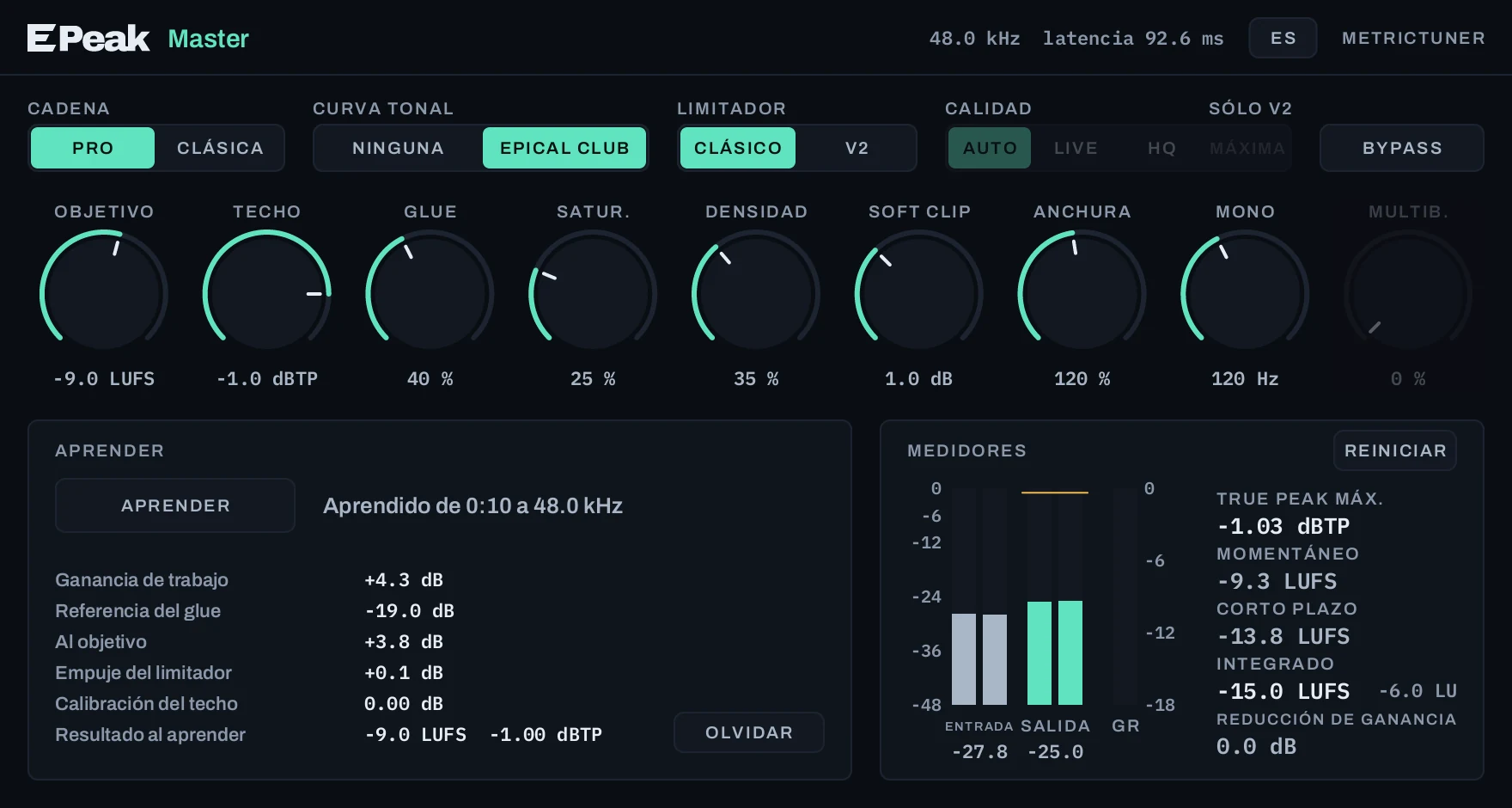
EPeak Master
Mastering that learns from your song
✓Learn: listens to 5 seconds up to 4 minutes of your track and sets the chain for it
✓PRO and Classic chains, the same as the app
✓Two limiters to choose the character, with a true-peak ceiling
✓Live quality for light work and HQ for the final render
✓Input, output, gain reduction and loudness meters
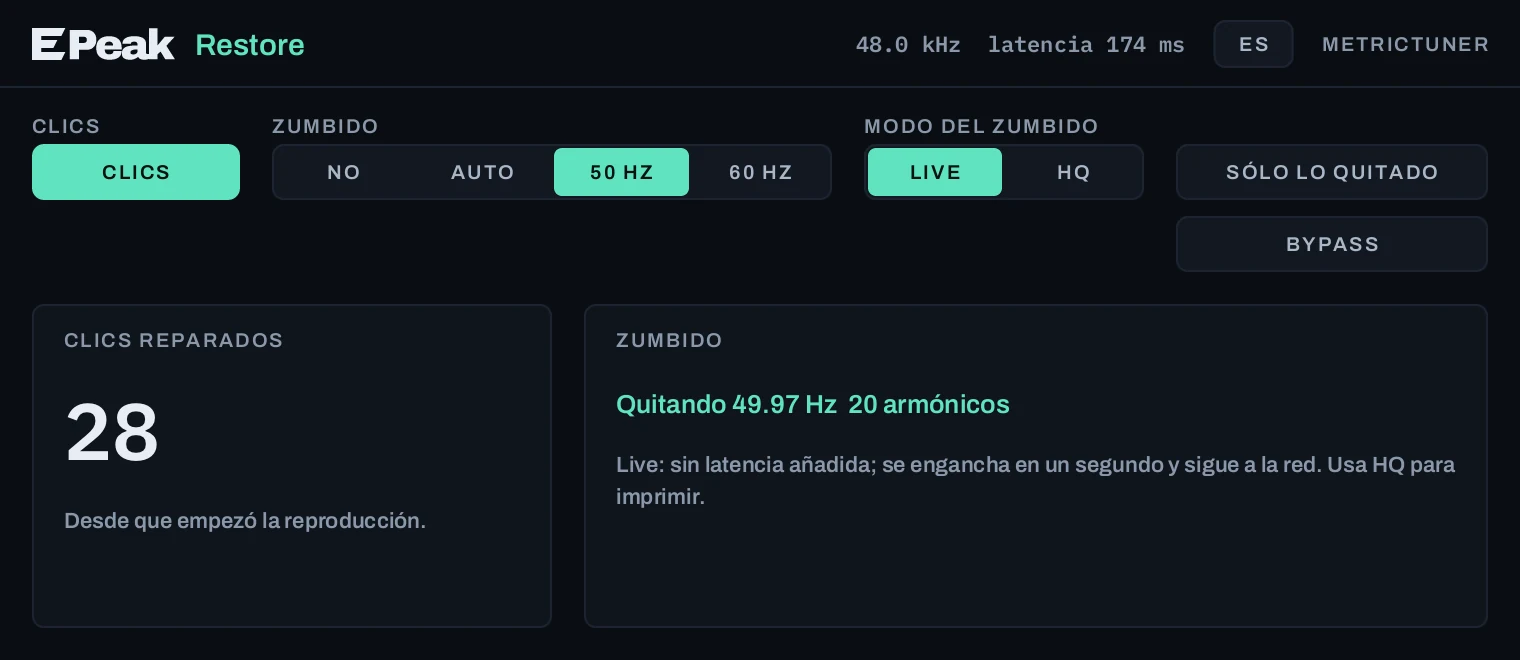
EPeak Restore
Clean the recording, leave the music alone
✓Repairs clicks and crackles; whatever doesn’t need fixing comes out untouched
✓Mains hum: automatic, 50 Hz or 60 Hz
✓Live mode with no added delay for tracking and mixing; HQ for printing
✓Listen to just what’s removed to make sure you’re not touching the music
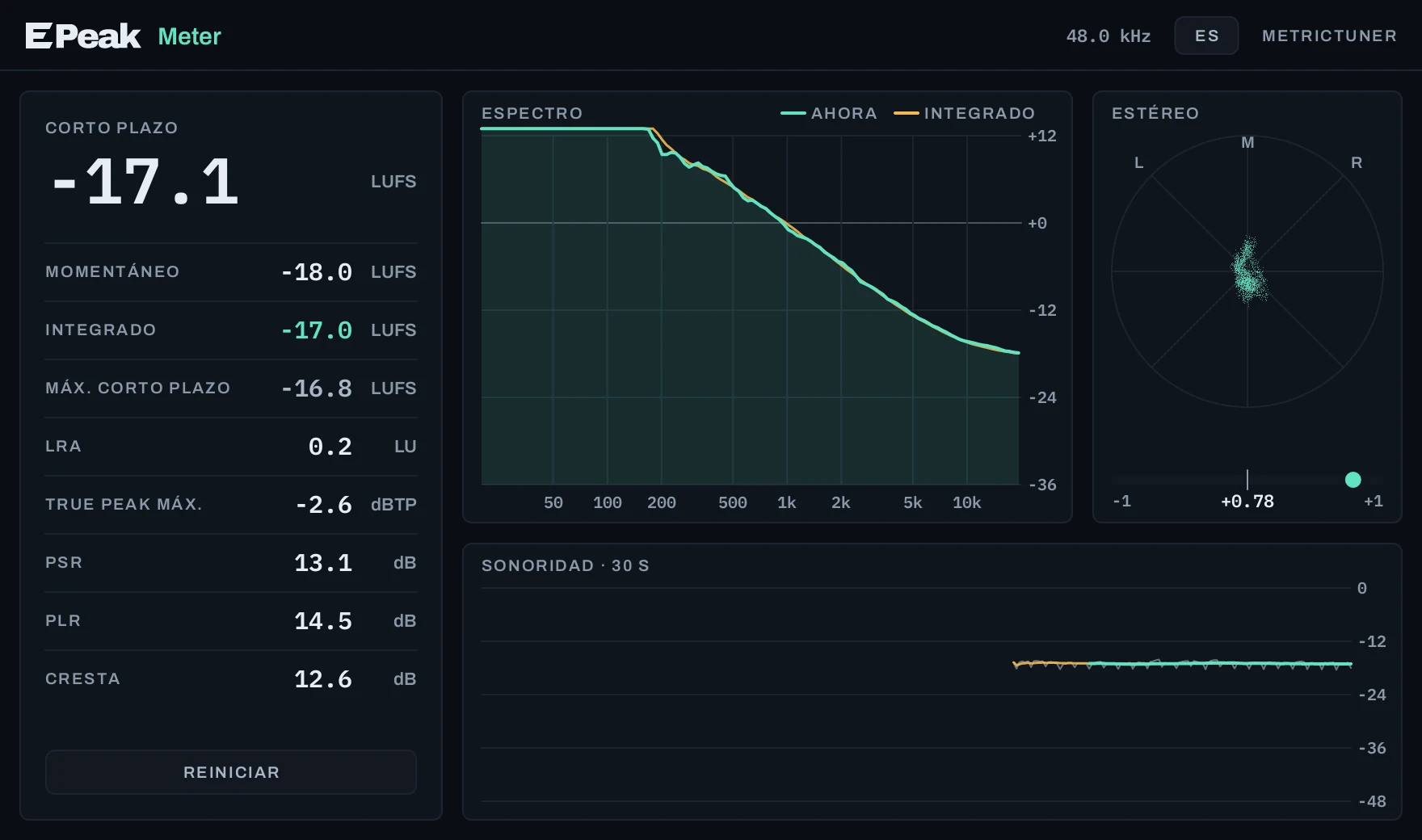
EPeak Meter Free
Measure what really matters
✓Momentary, short-term and integrated loudness, plus loudness range
✓True peak, PSR, PLR and crest factor
✓Spectrum with integrated average and stereo goniometer
✓Leaves your sound alone: what comes out is exactly what goes in
64-bit VST3 for Windows 10/11, validated with the format’s official test tool. Six languages, keyboard control and interface zoom.
Delivery pack
One render. Five versions ready.
The three digital versions come from the same master. CD and vinyl get their own render with the loudness and ceiling of their medium. Prefer to choose by hand? WAV, FLAC, AIFF and MP3, from 44.1 to 96 kHz.
No. Pick a destination and hit Render. EPeak measures the mix, applies only what’s needed and warns you if you ask for more loudness than the dynamics can take. If you do know mastering, every control is right there.
Does it work on Mac?
Today EPeak runs on Windows 10 and 11 (64-bit). The macOS version is in development and we’ll announce it on this page.
Which DAWs do the plugins work with?
Any Windows DAW that loads 64-bit VST3 plugins. The app also works on its own: export your mix from any DAW and drop it in.
What does a perpetual license with one year of updates mean?
You pay once and the version you have is yours forever. During the first year you get every new version; after that you can renew updates or keep yours.
How many computers can I use it on?
Two at a time. If you change machines, release the old one from your account and activate the new one.
Do I need an internet connection?
Only to download, install and activate your license. Mastering works offline and your music never leaves your computer.
Can it ruin my mix?
No. EPeak writes new files next to your mix and never overwrites a previous master.
Is EPeak Meter really free?
Yes. Create your free account, confirm your email and download it from your dashboard. No card needed.
What about the next plugin?
If you buy the Suite and the next EPeak plugin ships during your year of updates, it’s added to your license at no cost.
Can I get a refund?
Yes, within 14 days of purchase. Write to us from your account or through Paddle, which processes the payment.
What if I’d rather have a professional mix or master for me?
If you want another person’s ears, an advanced mix or stem mastering, you can turn to our partner studio MetricTuner, where engineers with experience on real productions work on your music.
Your payment is complete. In a few seconds your license will appear in your account, linked to the email you used at checkout, and we’ll send you a confirmation.
Checkout email—
TransactionPending
If you don’t have an account yet, create it with that same email to see your license and downloads.